August 15, 2026
Best AI Image Generator List: 9 Tools Compared by Use Case
A practical best AI image generator list for creators, marketers, designers, and product teams. Compare ImagenX, Whisk AI, Banana AI, and other leading tools by workflow.

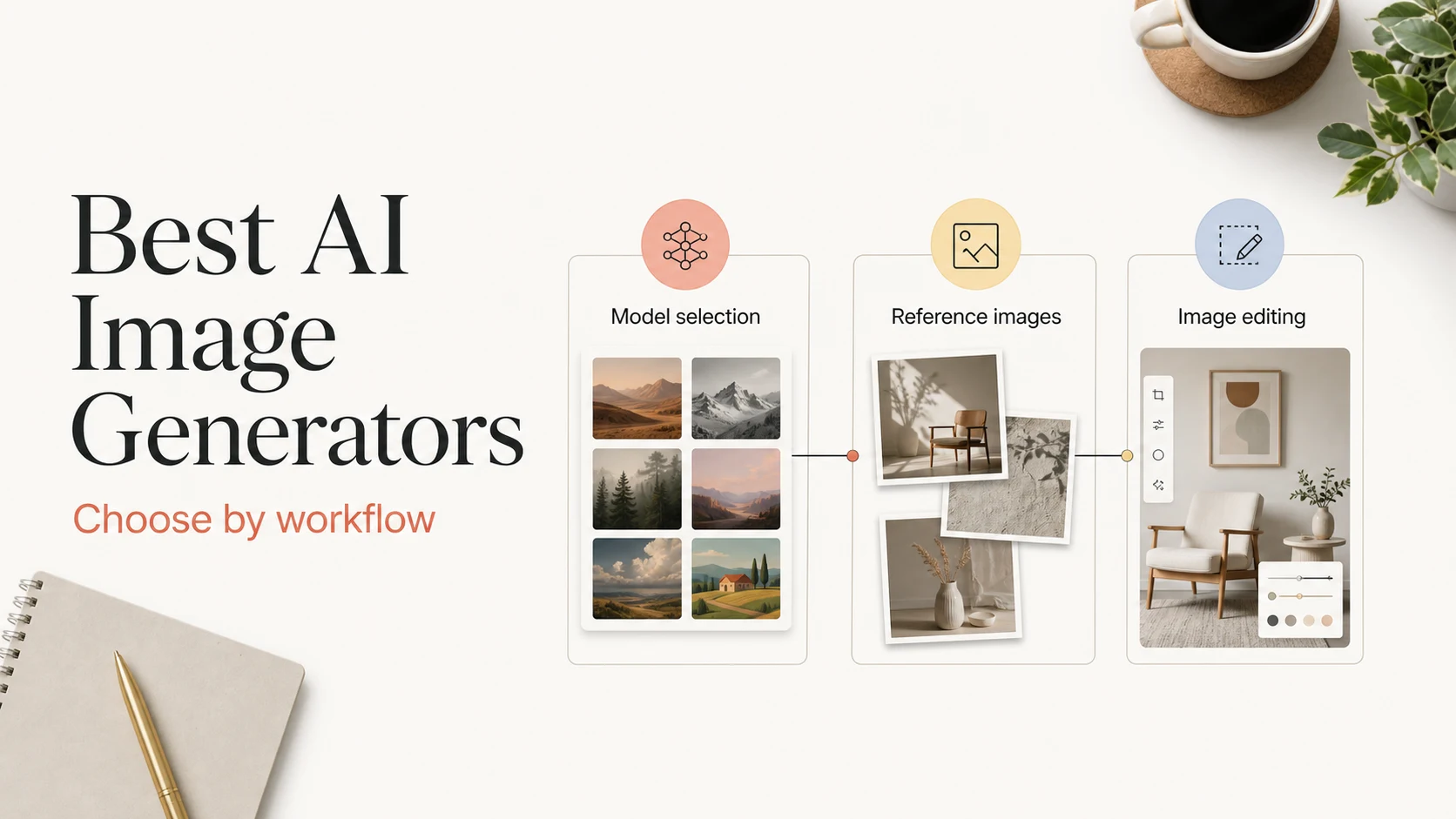
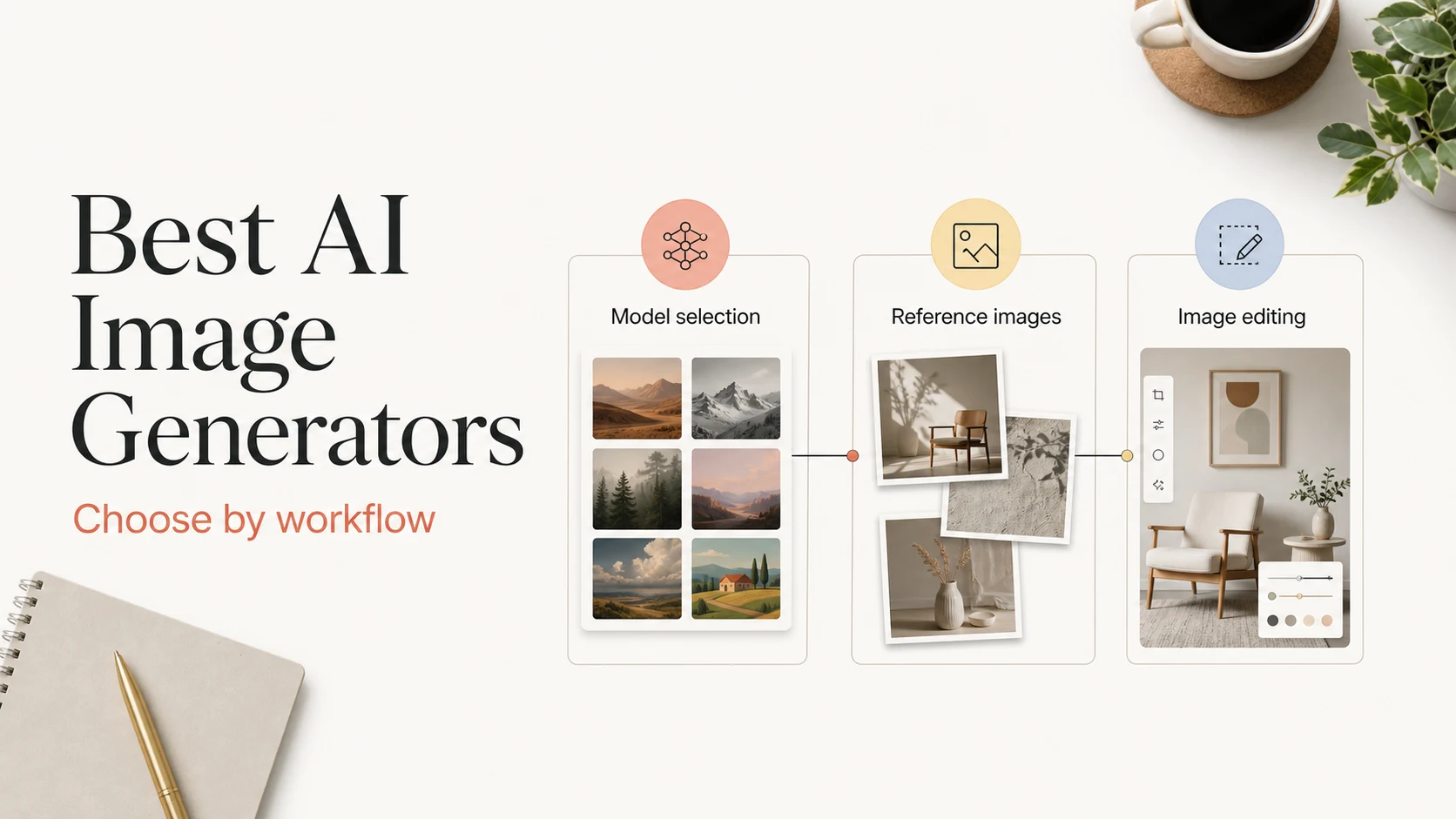
The best AI image generator depends on the work you need to finish. A tool that produces striking concept art may be a poor choice for product edits, readable poster text, or a repeatable campaign workflow. The useful question is not which generator wins every test. It is which generator gives you the right control for the next asset.
This best AI image generator list uses that approach. It recommends three products for distinct workflows: ImagenX for multi-model access and production flexibility, Whisk AI for reference-led visual exploration, and Banana AI for Nano Banana image creation, editing, and image-to-video handoff. It also covers six other tools that deserve consideration when style, typography, brand controls, or developer access matter more than a general-purpose workspace.
How to Choose an AI Image Generator
Before comparing products, define the output and the revision loop. A one-off social image has different requirements from a product catalog, a character sheet, or an API-powered content pipeline.
Use these criteria:
- Prompt adherence: Does the tool follow subject, composition, lighting, and camera instructions?
- Reference control: Can you guide the result with a product photo, portrait, sketch, or style reference?
- Editing depth: Can you change a background or object without restarting the whole image?
- Text rendering: Does it handle posters, labels, diagrams, and other text-heavy layouts?
- Iteration speed: Can you compare variations without losing the strongest direction?
- Workflow fit: Does it support your export needs, team process, model access, or API requirements?
The last criterion often decides the purchase. A beautiful first image saves little time if every revision requires a new prompt, a different application, and manual cleanup.
The Three Products We Recommend
The three recommendations below solve different problems. Treat them as workflow choices rather than a universal ranking.
| Tool | Best for | Main strength | Watch-out |
|---|---|---|---|
| ImagenX | Multi-model creation and editing | One workspace for model-specific generation, image editing, enhancement, and visual effects | Compare the available model and settings for each task |
| Whisk AI | Reference-led visual exploration | Combines prompts, optional reference images, model choices, output settings, variations, and an image library | A reference guides a new generation; it does not guarantee pixel-level preservation |
| Banana AI | Nano Banana creative production | Prompt-led image creation, reference editing, consistency work, and a path from still images to video drafts | Check the active plan and model availability before planning volume work |
1. ImagenX: Best for a Flexible Multi-Model Workflow
ImagenX fits teams that do not want to lock every project to one image model. The platform exposes dedicated workflows for models such as Nano Banana Pro, GPT Image 1.5, Seedream 4.5, and Hunyuan Image, along with image tools and an Explore surface for discovering more capabilities.
That structure matters when the brief changes halfway through a project. You can use a model page designed for image generation, move to an editing workflow when the source image is close, or use an enhancement tool when the composition works but the output needs more detail. The decision stays attached to the task instead of the brand of one model.
ImagenX is a strong fit for:
- Creators who compare several model families before choosing a final direction
- Marketing teams producing product visuals, campaign variants, and landing-page images
- Users who want model-specific pages without setting up local inference or separate interfaces
- Workflows that combine generation, editing, upscaling, and other image effects
Start with the Nano Banana Pro workflow when your image needs controlled edits or multilingual typography. Use GPT Image 1.5 when the task is conversational image creation and refinement. Browse Seedream 4.5 or Hunyuan Image when you want to compare different visual approaches.
2. Whisk AI: Best for Reference-Led Exploration
Whisk AI is built around visual exploration. You can combine a text prompt with an optional reference image, choose from available model and output settings, compare variations, and keep useful results in an image library. That makes it practical when the first prompt is only the beginning of the creative process.
The reference image can communicate a subject, pose, palette, material, composition, or mood. The prompt should explain what the new image must preserve and what it should change. This division of labor gives the generator clearer direction than uploading a reference with a vague instruction such as 'make it better.'
Whisk AI works well for:
- Moodboards and early campaign directions
- Fashion, product, and lifestyle visual exploration
- Concept art that needs several related variations
- Creators who prefer to compare visual options before committing to one
It is less suitable when you need exact pixel-level editing. Treat the reference as guidance for a new image, then iterate with the strongest result. For a closer output, describe the important subject features, framing, and materials in the prompt instead of relying on the upload alone.
3. Banana AI: Best for Nano Banana Editing and Image-to-Video Handoffs
Banana AI combines Nano Banana image workflows with reference-guided editing and Veo 3-oriented video workflows. Its useful distinction is the handoff: a still image can serve as a starting point for a motion draft instead of ending as an isolated asset.
The image workflow covers prompt-led creation, background changes, object edits, lighting adjustments, style refinements, and image-to-image work. Reference images are useful when the new result should stay anchored to a product, portrait, room, sketch, or brand mockup. That makes Banana AI a practical option for teams that need to test several creative directions before a full design or video production pass.
Banana AI is a good match for:
- Ecommerce product images and packaging concepts
- Social ads, thumbnails, and campaign variations
- Background and object edits on existing photos
- Storyboards that move from a key frame to a short video concept
The right workflow is brief-first: describe the subject, scene, lighting, camera feel, aspect ratio, and intended use. Add a reference when identity, product details, or layout matters. Generate a few directions, keep the strongest frame, and only then move it into a video workflow.
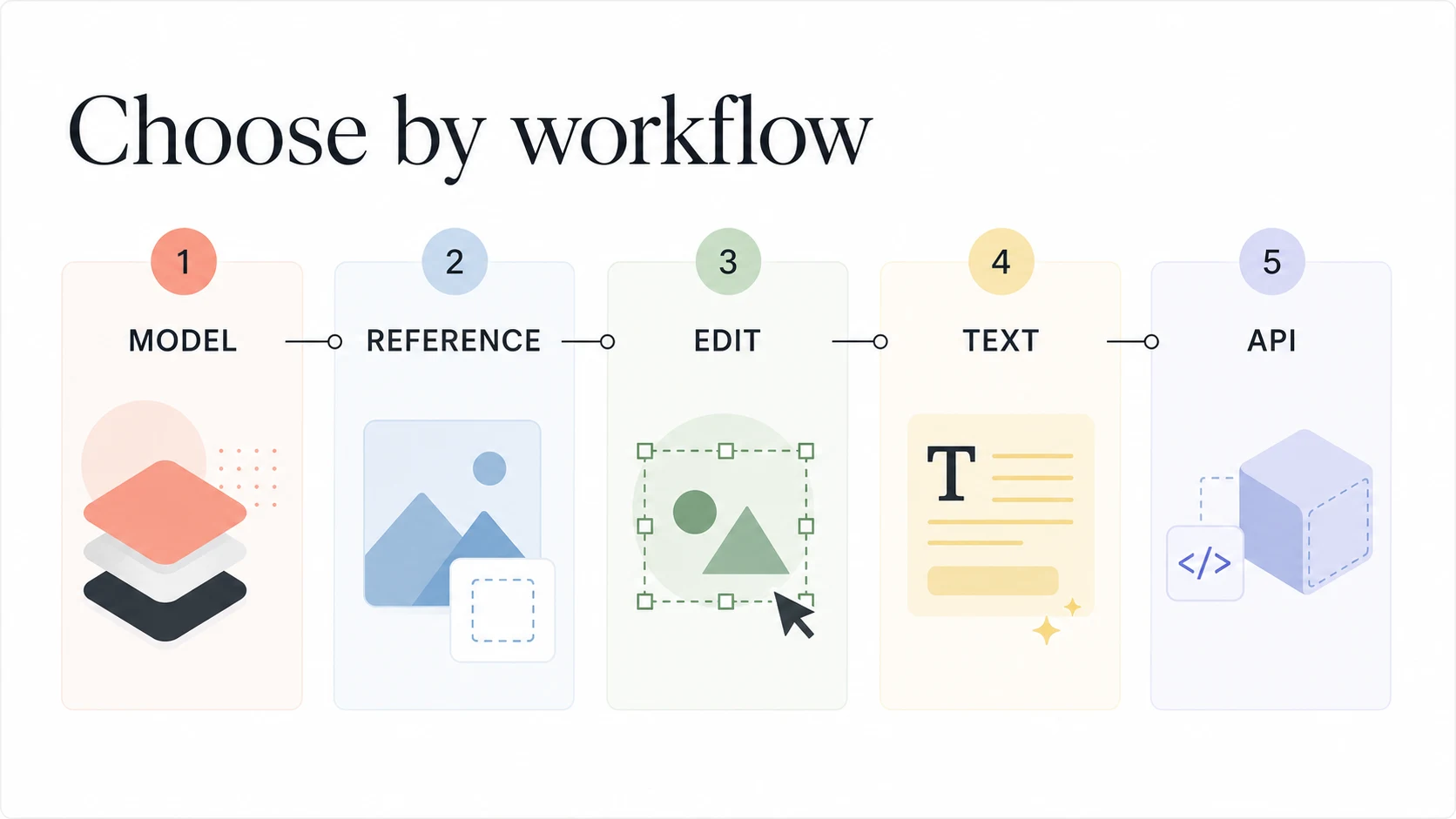
Six Other AI Image Generators Worth Considering
The tools below are useful alternatives, but each one earns its place for a specific reason.
- Midjourney remains a strong choice for stylized concept art, editorial visuals, and art-direction exploration. Choose it when visual language matters more than precise production controls.
- ChatGPT Image Generation suits users who want to create and revise images through a conversational interface. It is a natural option when the brief changes through discussion rather than a fixed production form.
- Adobe Firefly fits teams already working inside Adobe's creative ecosystem. Brand workflows, editing, and handoff to familiar design tools can matter more than a small difference in first-pass image quality.
- Ideogram deserves attention for posters, logos, signs, and social graphics where readable text is part of the image rather than an afterthought.
- FLUX is worth evaluating for developers and advanced users who need model access through APIs, hosting options, or a more configurable generation stack.
- Google ImageFX is useful for fast ideation when you want a simple browser entry point and do not need a full production workspace.
The best choice among these depends on the asset, not the popularity of the tool. A designer making a poster should test typography. A developer should test API limits and output handling. A marketer should test whether the same product can appear in several scenes without losing its identity.
Which Tool Fits Your Workflow?
Use this matrix to narrow the list before you spend time learning a new interface.
| Your priority | Start with | Why |
|---|---|---|
| Compare several image models in one place | ImagenX | Dedicated model pages make it easier to switch approaches |
| Explore a visual direction from references | Whisk AI | Prompts, references, variations, and a library support iterative exploration |
| Edit images and continue into video concepts | Banana AI | The workflow connects Nano Banana image work with Veo 3-oriented motion drafts |
| Build a distinctive artistic style | Midjourney | Strong fit for style-led concept development |
| Put accurate words inside an image | Ideogram or Nano Banana Pro | Typography is a central part of the workflow |
| Work inside an established design stack | Adobe Firefly | Fits teams that already use Adobe tools and review processes |
| Build a programmable generation pipeline | FLUX or ImagenX | Evaluate API access, model choice, and operational requirements |
Do not judge the tools with a single “beautiful image” prompt. Use a small test set that reflects your real work:
- One product scene with exact colors and materials
- One portrait or character variation that must retain identity
- One text-heavy layout such as a poster or product label
- One edit that changes the background while keeping the subject
Record the number of useful outputs, the amount of correction required, and how easy it is to create the second acceptable version. The second version often reveals more about a workflow than the first result.
Common Mistakes to Avoid
Choosing a tool by model name alone
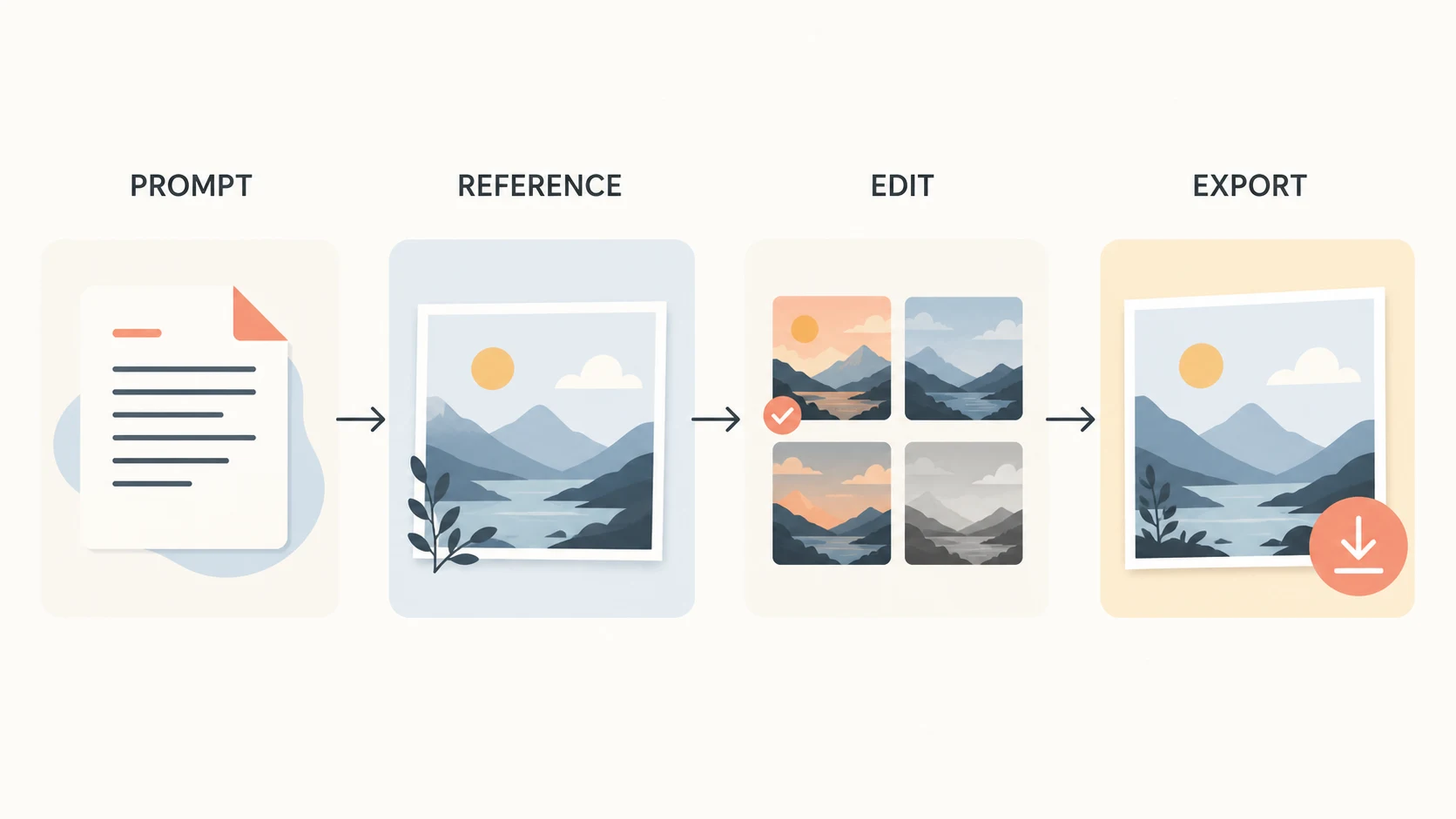
A model can be impressive while its interface, export path, or editing controls slow down your work. Test the complete loop from brief to final file.
Treating reference images as exact instructions
Reference-based generation communicates direction. It does not automatically preserve every pixel, face, product mark, or layout detail. State the elements that must remain important and inspect the result at the size you plan to publish.
Ignoring text until the final round
If the image contains a headline, label, price, or diagram, include that requirement in the first test. Text can change the best tool for the job.
Comparing products with mismatched prompts
Use the same brief, reference quality, aspect ratio, and output goal when comparing tools. Otherwise, you are measuring prompt differences instead of product differences.
Forgetting rights and privacy
Upload only images you have permission to use. Review each service's current terms, privacy policy, and commercial-use conditions before using generated assets in paid campaigns or client work.
FAQ
What is the best AI image generator overall?
There is no reliable single winner for every workflow. ImagenX is a strong starting point when you want to compare multiple image models and tools. Whisk AI is better suited to reference-led exploration, while Banana AI fits prompt-driven editing and image-to-video concept work.
Which AI image generator is best for beginners?
Start with the interface that matches how you think. ImagenX offers dedicated workflows for different model tasks. Whisk AI is approachable when you prefer prompts plus visual references. Banana AI is a good entry point when your goal is to create, edit, and extend images into short video ideas.
Which tool is best for product images?
Use a reference-first workflow. Banana AI and Whisk AI are useful for product-scene exploration and edits, while ImagenX gives you more model choices to compare. Test packaging text, color accuracy, shadows, and multiple viewing angles before choosing a production path.
Can AI image generators replace a designer?
They can shorten ideation and iteration, but they do not replace art direction, rights review, brand judgment, or final production quality control. The strongest workflows use AI to create options and people to choose, refine, and approve the final asset.
Final Recommendation
Choose the tool that reduces the number of steps between your brief and the next usable asset. Start with ImagenX if you need a broad image-generation workspace. Choose Whisk AI when references and visual variations drive the process. Choose Banana AI when image editing and the move from still frames to video concepts belong in the same workflow.
Then test the shortlist with your own product, portrait, typography, and editing prompts. A good AI image generator does more than make an attractive first image. It helps you reach a useful second version without losing the brief.